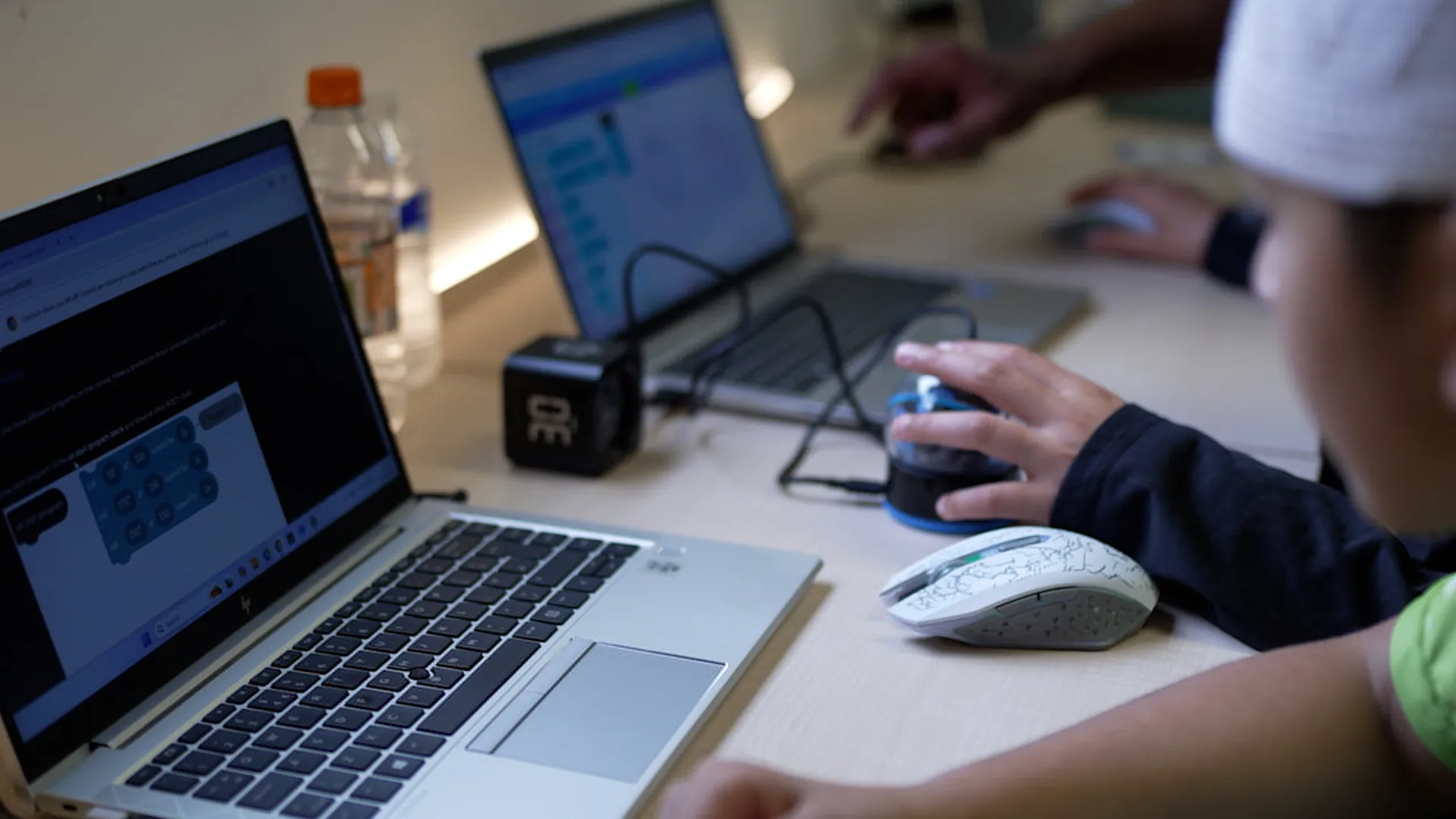
You do not need to write code to follow your child's learning. Ask what the instructions do, what information they use and how the result was tested.
What we mean by coding literacy
Being comfortable with a device and understanding a program are different skills. Coding literacy begins with recognising that software follows instructions, works with information and produces a result that someone has to check.
You do not need to memorise a programming language to discuss those ideas with your child. The concepts below appear in both visual blocks and text-based code. Ask your child to point to one in a project they can demonstrate.
Sequence: instructions in an order
A sequence is a set of steps carried out in order. A robot program might move forward, turn and stop. Swapping the first two instructions changes the route even though the instructions themselves stay the same.
Try asking, "What happens first? What would change if these two steps swapped places?" A child can explain the order by tracing the instructions with a finger before running the code.
Loops: repeating a set of steps
A loop repeats instructions. To draw a square, a program could repeat "move forward, turn a right angle" four times. The loop tells it how often to repeat that pair of actions.
Some loops repeat a fixed number of times; others continue while a condition holds. Ask your child what makes their loop stop. If the answer is unclear, tracing a small example together is a useful place to start.
Decisions and events: choosing when to act
A decision checks a condition and chooses what to do. A quiz might compare an answer with the expected answer, then display one of two messages. Ask, "What is being checked, and what happens in each case?"
An event starts an action when something happens. Pressing a key could move a character; clicking a button could begin a game. Looking for the event helps explain why the code runs at that particular moment.
Variables: remembering information
A variable gives a name to a value the program needs to keep. In a game, a variable called score might begin at zero and increase when the player answers a question correctly.
Ask, "What does this value mean? Where does it change?" If the displayed score is wrong, those questions give you somewhere concrete to look. A familiar name such as score is easier to discuss than an unexplained letter.
Debugging: checking the explanation against the result
Debugging means finding and correcting a problem in a program. Start by stating the expected behaviour, run a small test and inspect the instructions connected to the difference.
For the quiz, test a correct answer and an incorrect answer. Does each produce the intended message? Does the score change by the intended amount? A working example is a starting point for testing, not proof that every possible input works.
The next time your child shows you some code, choose one of these ideas and ask them to explain it using their own project. Their explanation can give you a clearer picture than the number of blocks or lines on screen.
Want this for your child?
Hikora is a tech academy in Leicester, teaching coding and robotics, with introductory AI, to 7-18 year-olds.